


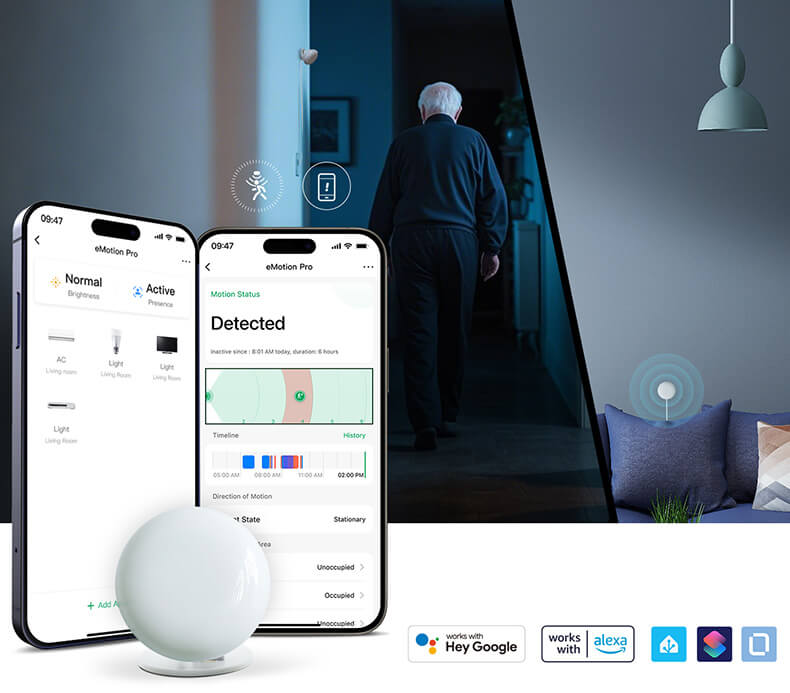
We’ve all been there: you’re sitting on the sofa reading, and the living room lights cut out because your PIR sensor decided you no longer exist. Or worse, the hallway light triggers because the sensor "saw" a shadow through the open door.
The LinknLink eMotion Pro solves this by treating your room as a map, not just a binary "yes/no" zone. By utilizing 2.4GHz radar to measure the exact distance of an object, it allows you to divide its sensing range into four distinct zones.
Here is how that precision changes your daily automation logic:
1. The "Invisible Barrier" (Zone 1: Entryway)
Scenario: Your home office is right next to a busy hallway. With a standard sensor, every time someone walks past the door, your desk lights flicker. With eMotion Pro, you can set Zone 1 (0–1m) as a "Transition Zone." You can program the system to ignore movement here or only trigger a dim floor light, ensuring your main workspace lighting remains undisturbed by "pass-through" traffic.
2. The "Deep Work" Anchor (Zone 2: The Desk)
Scenario: Micro-movement detection while typing or thinking. This is where mmWave shines. By defining Zone 2 (1–3m) as your primary workspace, the eMotion Pro detects the slight rise and fall of your chest as you breathe. You can set an automation that says: “If presence is detected in Zone 2 for more than 5 minutes, start the 'Deep Work' scene (close blinds, turn on focus music).” No waving your arms at a sensor required.
3. The "Interactive Hub" (Zone 3: The Social Space)
Scenario: A living room that adapts to your position. Imagine your HVAC or fan adjusting its oscillation based on where you are sitting. If the eMotion Pro detects presence in Zone 3 (3–5m), it knows you’re on the sofa, not at the dining table. It can trigger the media center to power up or adjust the AC vents to point toward that specific distance range.
4. The "Safety Perimeter" (Zone 4: The Far Reach)
Scenario: Open-plan living or balcony monitoring. Zone 4 (5m+) acts as your long-range lookout. It’s perfect for triggering "Welcome Home" lights when you’re still at the far end of a large room, or as a subtle security layer. If movement is detected in Zone 4 late at night, your Home Assistant can send a low-priority notification to your phone or flash a smart bulb in the bedroom as a gentle heads-up.
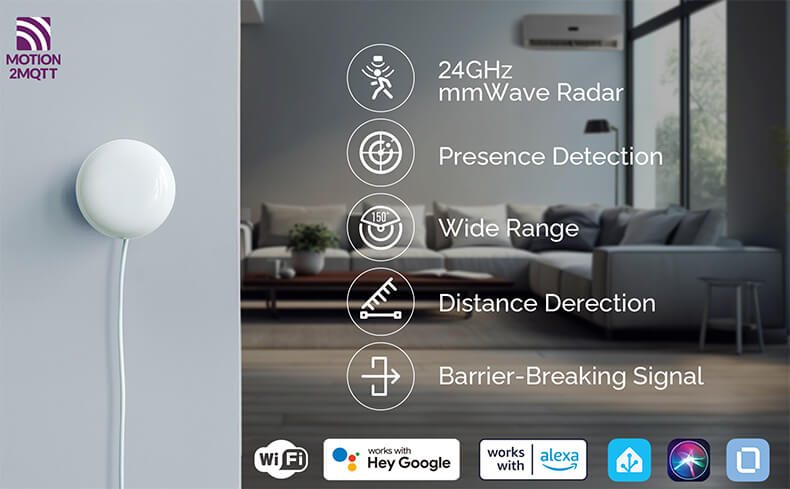
Why Enthusiasts Choose eMotion Pro
- Zero Latency, Local Logic: Because it integrates seamlessly with Home Assistant, your distance data stays local. No cloud round-trips to decide if you’ve walked into Zone 2.
- Precision Calibration: Unlike PIR, which is easily fooled by heat, 2.4G radar ignores temperature fluctuations, making it reliable in kitchens or sun-drenched rooms.
- Privacy-First: You get high-resolution spatial awareness without the privacy concerns of a camera.
A home that doesn't just react to you—it understands your position and intent.